
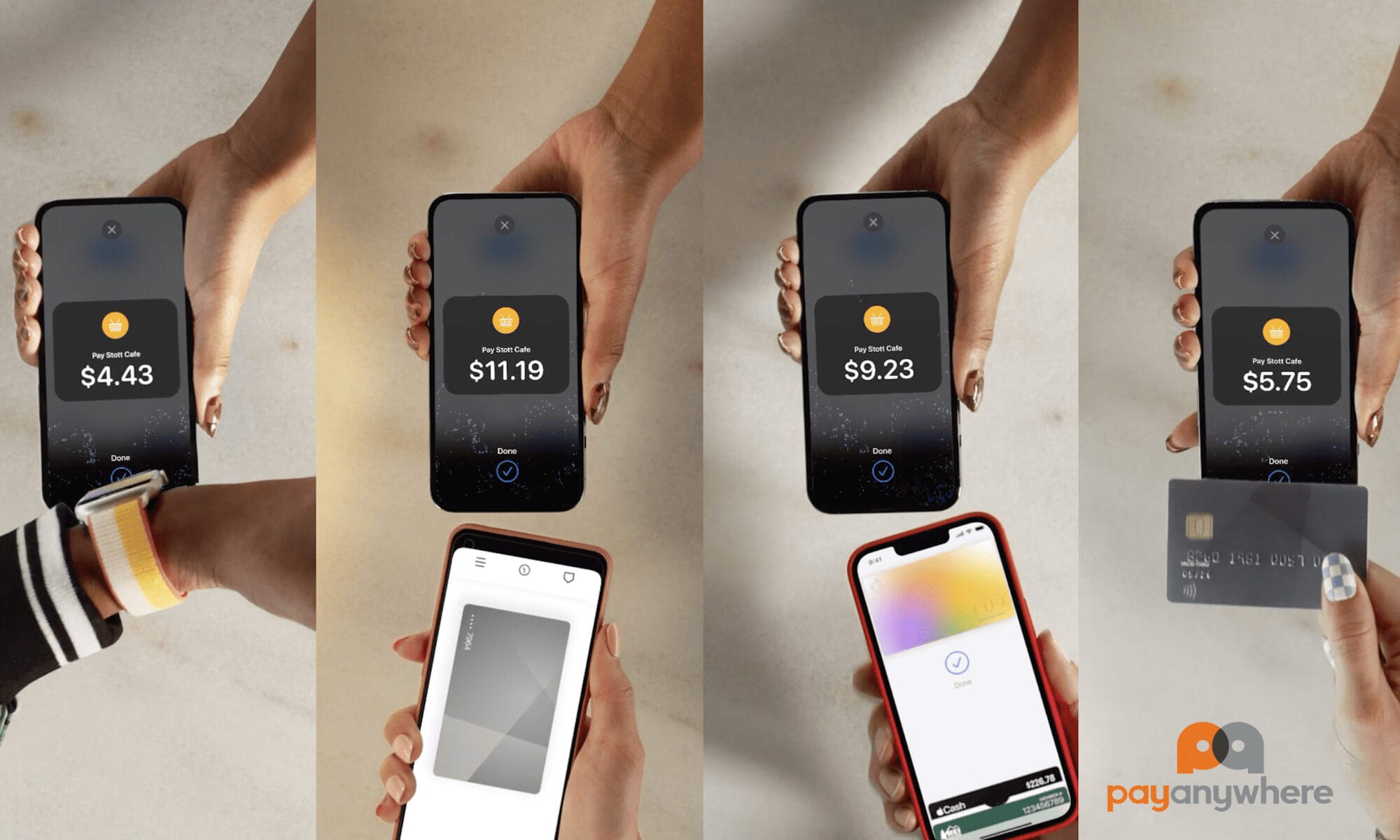
Take Payments Anywhere — Just Use Your Smartphone
Turn your iPhone (or Android) into a fast, secure, contactless payment terminal with the PayAnywhere app— no card reader needed. Accept credit cards, Apple Pay, Google Pay and digital wallets in minutes.
✔️ 100%
Free
✔️ No
Contracts
✔️ Next A.M.
Funding
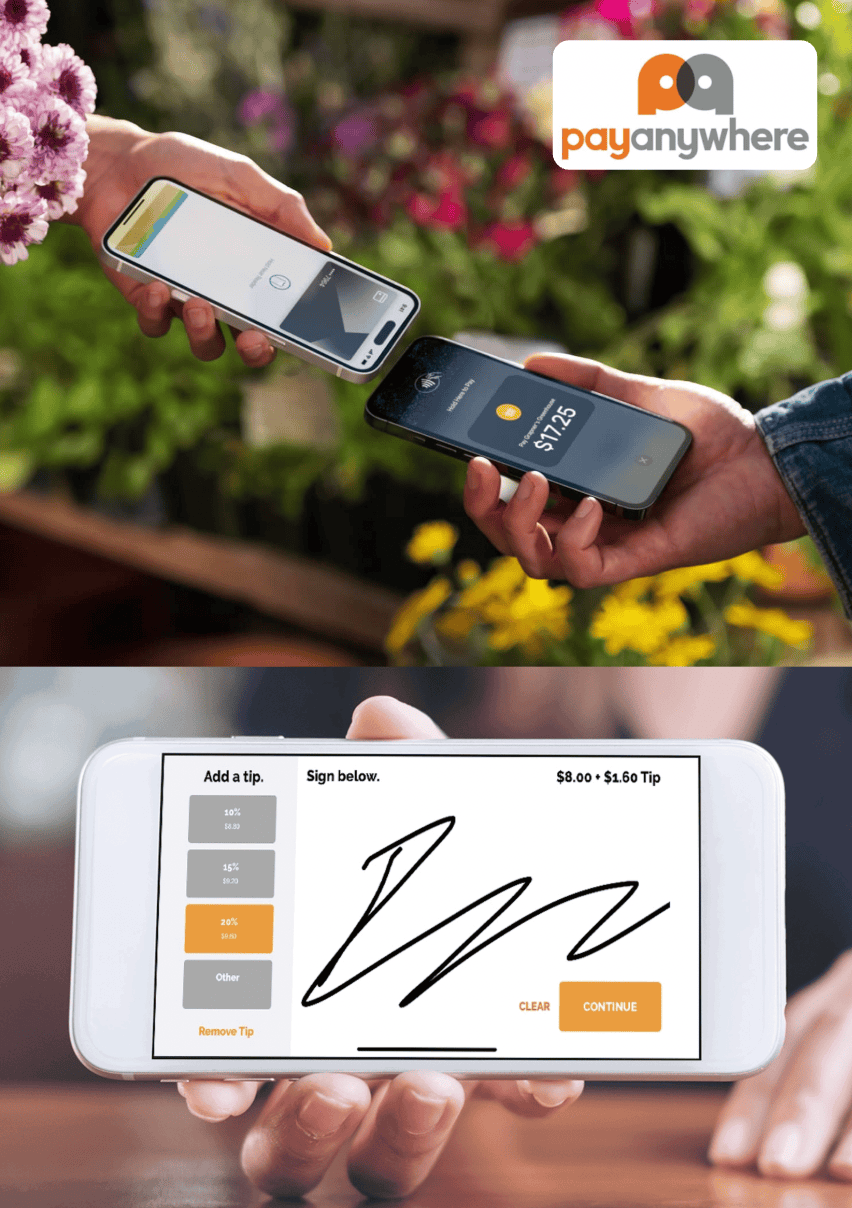
Why Choose Smartphone Tap to Pay & PayAnywhere App?
No hardware or terminals required — just download the free app and start processing payments.
Fast setup and instant payments — sign up, open the app, and you’re ready to collect payments right away.
Flexible Pricing To Fit Your Business:
- Change at any time.
- 0% plan (for high-volume businesses) — pass 3% processing fees to customers, avoid per-transaction costs.
- 2.69% plan (for lower volume) — low flat rate, no fees when you have no transactions.
Built for mobile & on-the-go businesses — perfect for contractors, food trucks, home service pros, pop-ups, and more.
Secure and modern — NFC contactless payments with tokenization keep card data safe, offering customers Apple Pay, Google Pay, cards, and digital wallets.
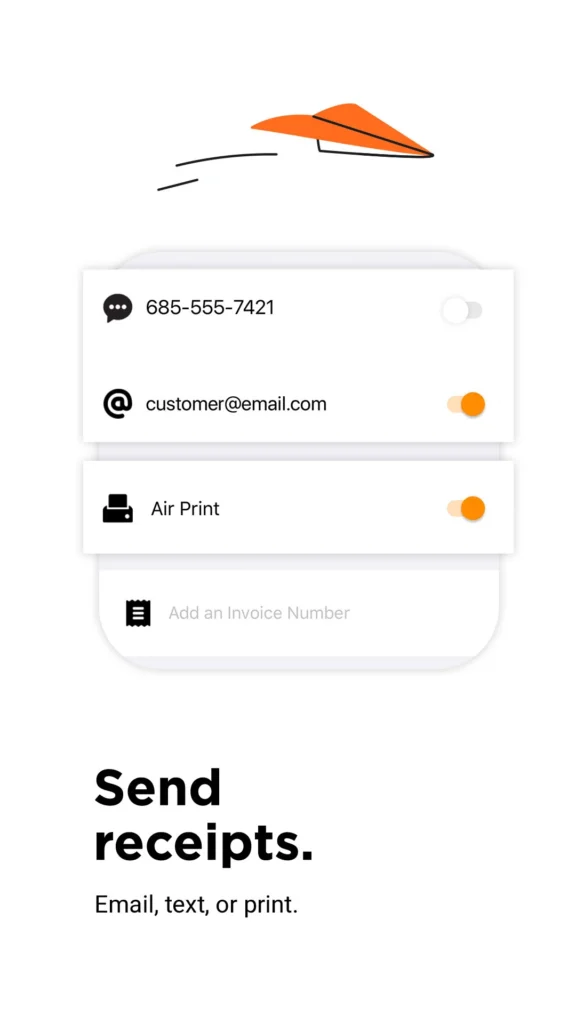
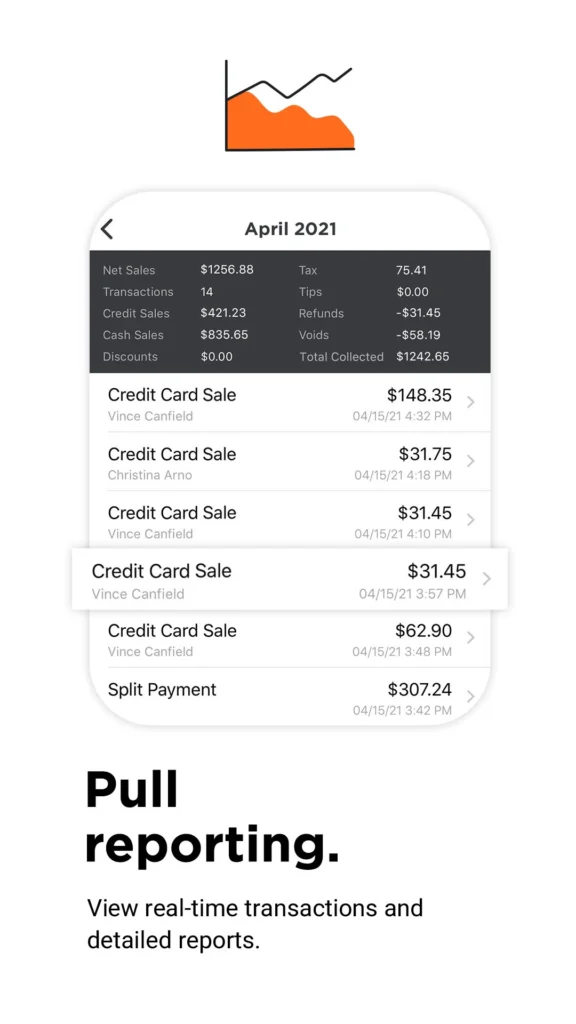
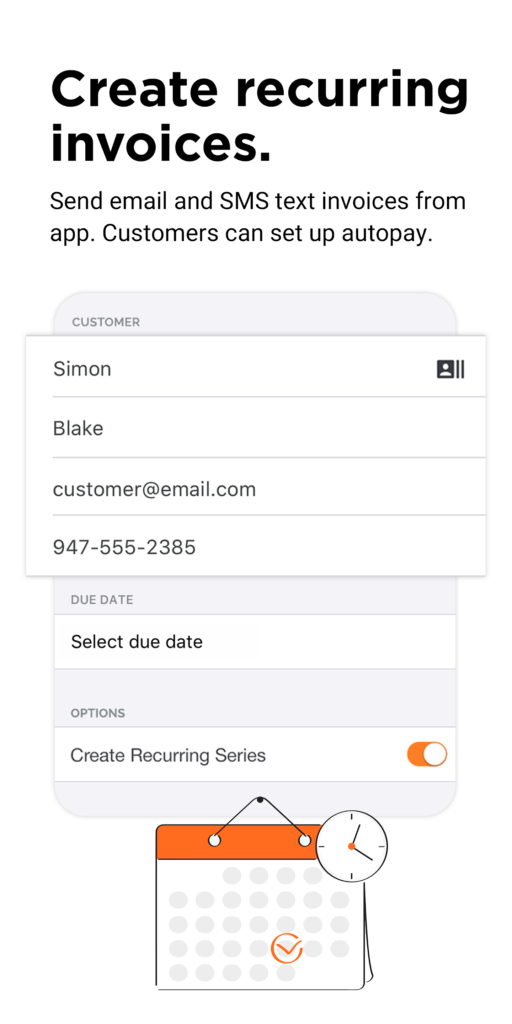
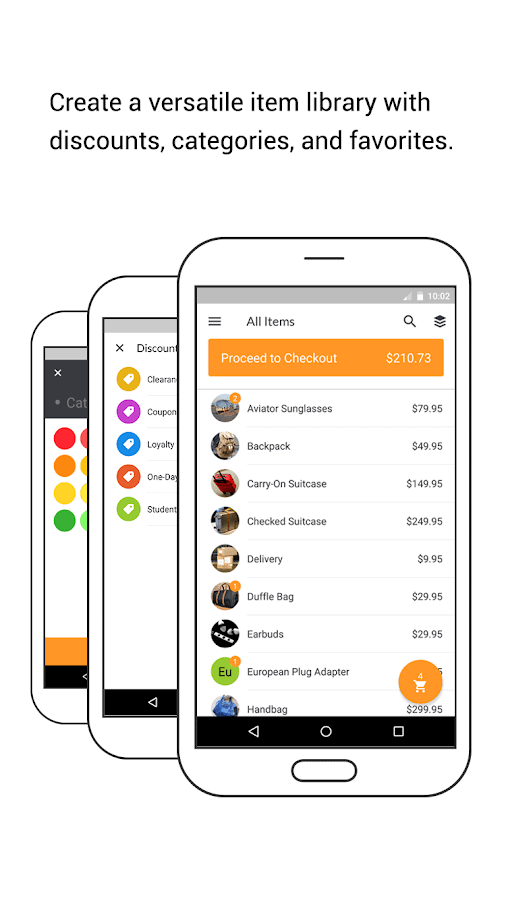
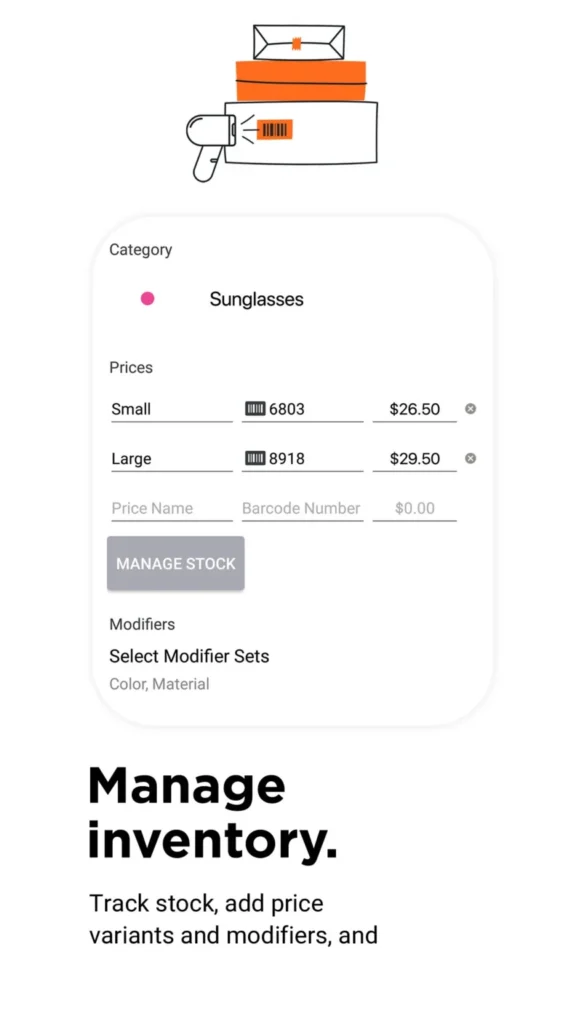
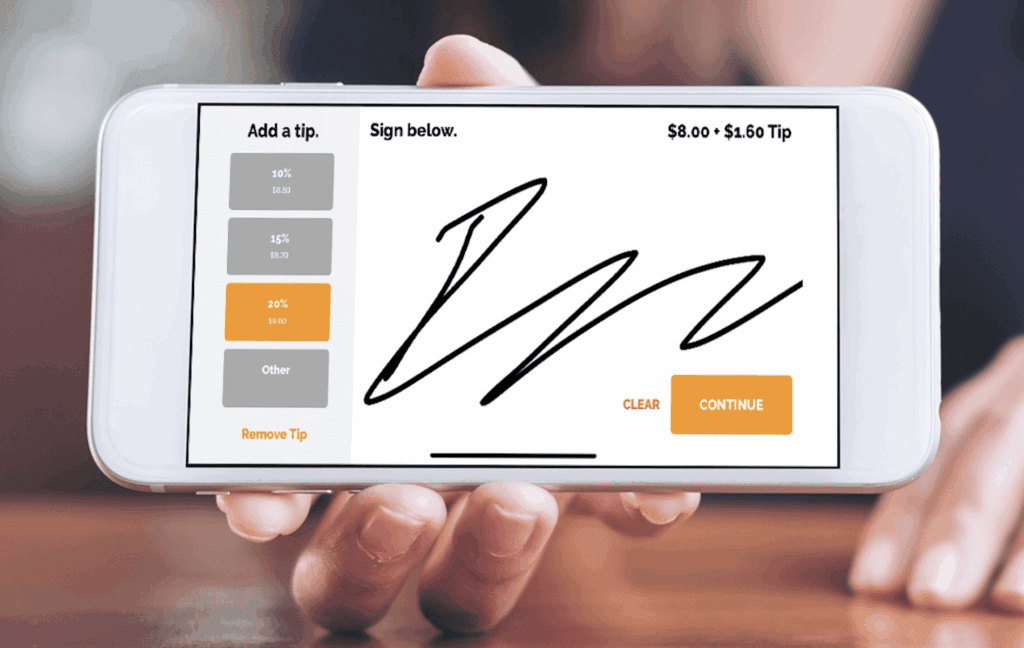
Comprehensive features — text/email receipts, next-day funding, inventory, employee management, invoicing, reporting, recurring billing, and full merchant support.
Get Started in 5 Minutes
- Call or Text 801-205-1955 to set up your free PayAnywhere merchant account (MID)
- Download the PayAnywhere app
- Start tapping to accept payments instantly
Accept Payments Anywhere With Just Your Smartphone

Customers simply tap their contactless card, phone, or smartwatch near your device. No swiping, no chip dipping, and no manual entry. It’s the smooth, modern checkout experience customers expect today.
Why Businesses Love PayAnywhere Smartphone Tap to Pay
- No Terminals Required – Accept payments directly on your smartphone with zero extra equipment with the PayAnywhere app.
- Fast, Contactless Checkout – A quick tap from the customer completes the sale instantly.
- Ideal for Mobile Businesses – Perfect for contractors, food trucks, home services, and on-site pros.
- Simple, Quick Setup – Download the app, activate your merchant account, and start taking payments.
- Lower Costs – Eliminate the need for traditional card readers or POS terminals.
- Secure & Encrypted – Tokenization ensures sensitive card data never touches your device.
- Professional Customer Experience – Clean, modern, and convenient from start to finish.
- Works Anywhere – Accept payments using Wi-Fi or your mobile data connection.
- Accepts All Major Brands – Visa, Mastercard, Amex, Discover, Apple Pay, Google Wallet.
- Reliable Backup Option – Use tap to pay when your terminal is busy or offline.
How 0% Rate Tap to Pay on Smartphone Works:
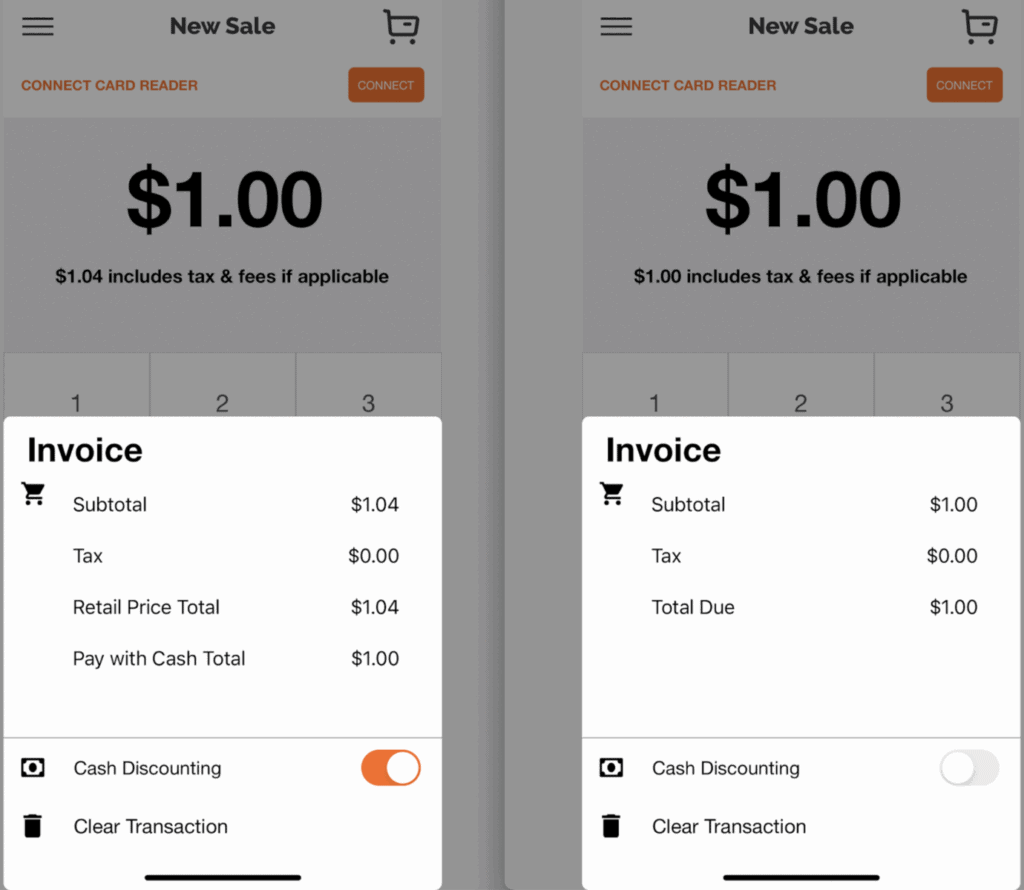
The PayAnywhere App using our Edge 0% Dual Pricing automatically includes the 4% (3% also available) for non-cash transactions to cover processing fees. (e.g. a $100 charge typed in will show total as $104 (or $103). Next morning the $100 is deposited into your checking account. Clean and simple!
Note: The image below reveals how the 4% was added to a $100 transaction, the “$104.00 includes any applicable tax & fees.
With our Edge 0% Dual Pricing can be turned on and off at anytime saving your business fees per transaction if desired.
PayAnywhere Tap To Pay On Smartphone Contactless Payments:
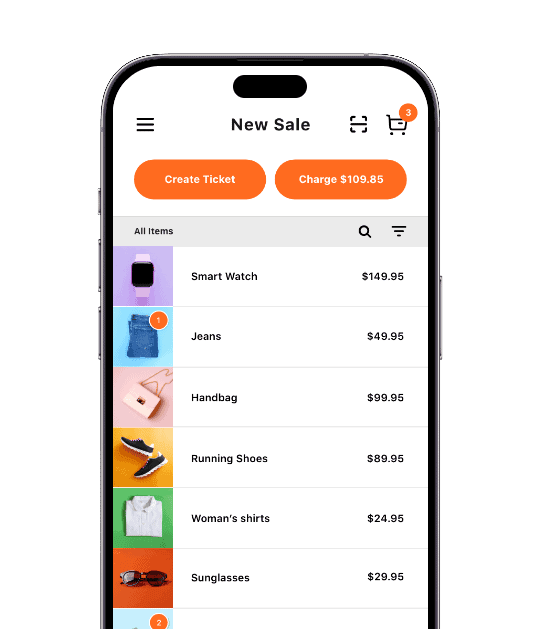
With Tap to Pay on iPhone and the PayAnywhere app, you can accept all types of contactless payments, right on your iPhone. Smartphone tap to pay keeps your business flexible, reducing equipment costs while improving checkout speed. Whether you work on-site, operate a mobile business, or simply want a modern backup solution, tap to pay offers unmatched convenience and mobility. It’s the simplest way to accept contactless payments wherever business happens.
1 – How PayAnywhere Tap to Pay On Smartphone Works:
Launch the PayAnywhere app, enter an amount or add items to the sale.
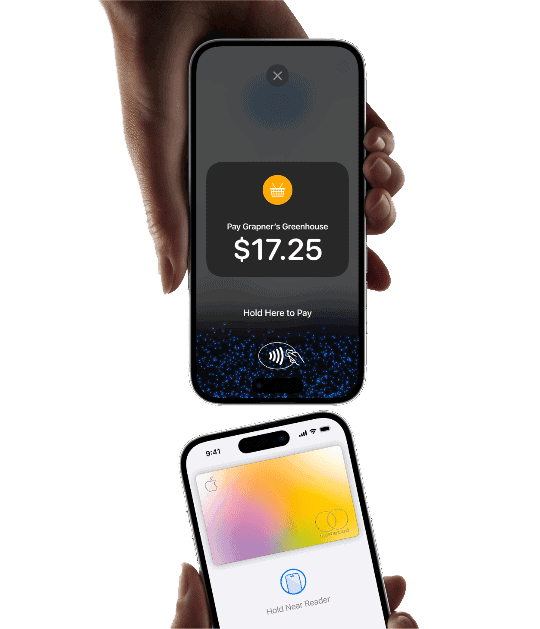
2 – Present iPhone to your customer
Your customer holds their card horizontally at the top of your iPhone, over the contactless symbol. For Apple Pay and other digital wallets, your customer will hold their device over the top of your iPhone contactless symbol.
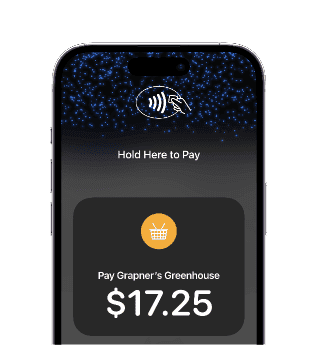
3 – The “done” check mark appears once the transaction is complete
You can text or email a receipt to the customer and you’ll get paid the next morning.
Savings chart if you were paying a 3.5% on average:
| Mo Card Volume: | Mo Savings | 1 Year Savings | 5 Year Savings | 10 Year Savings |
|---|---|---|---|---|
| $5,000 | $175 | $2,100 | $10,500 | $21,000 |
| $10,000 | $350 | $4,200 | $21,000 | $42,000 |
| $20,000 | $700 | $8,400 | $42,000 | $84,000 |
| $50,000 | $1,750 | $21,000 | $105,000 | $210,000 |
| $100,000 | $3,500 | $42,000 | $210,000 | $420,000 |
| $250,000 | $8,750 | $105,000 | $525,000 | $1,050,000 |
Getting Started Is As Simple As, 1, 2 & 3
1) Contact iSmart Payments (call/text 801-205-1955) for a Free PayAnywhere MID

2) Download the Free PayAnywhere App to Enable Tap to Pay
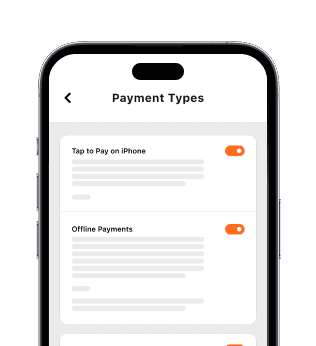
3) Your Are Ready To
Process All Payment Types
PayAnywhere Tap To Pay On iPhone App:
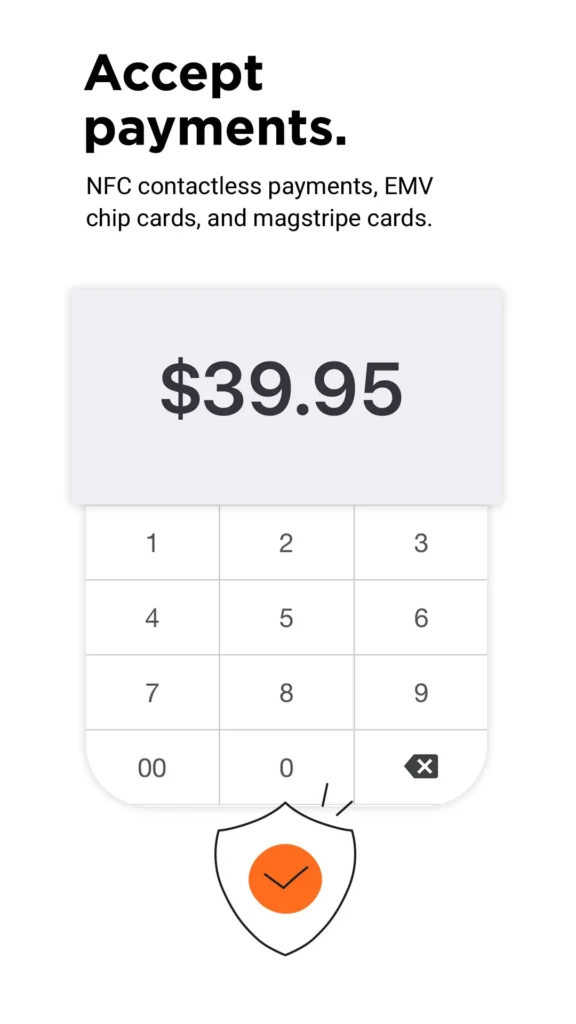
Start Accepting Payments with Smartphone Tap to Pay
What makes PayAnywhere Tap to Pay On iPhone offered by iSmart Payments so good? Getting it right away.
Upgrade your business with fast, secure smartphone tap to pay technology. No terminals, no hardware, and no delays—just simple contactless payments anywhere you work.
- Built-in security and encryption
- Activate in minutes
- Accept all major contactless cards
- Process payments on the go
☎️ Call or text Greg at: 801-205-1955 to get Started Today.