

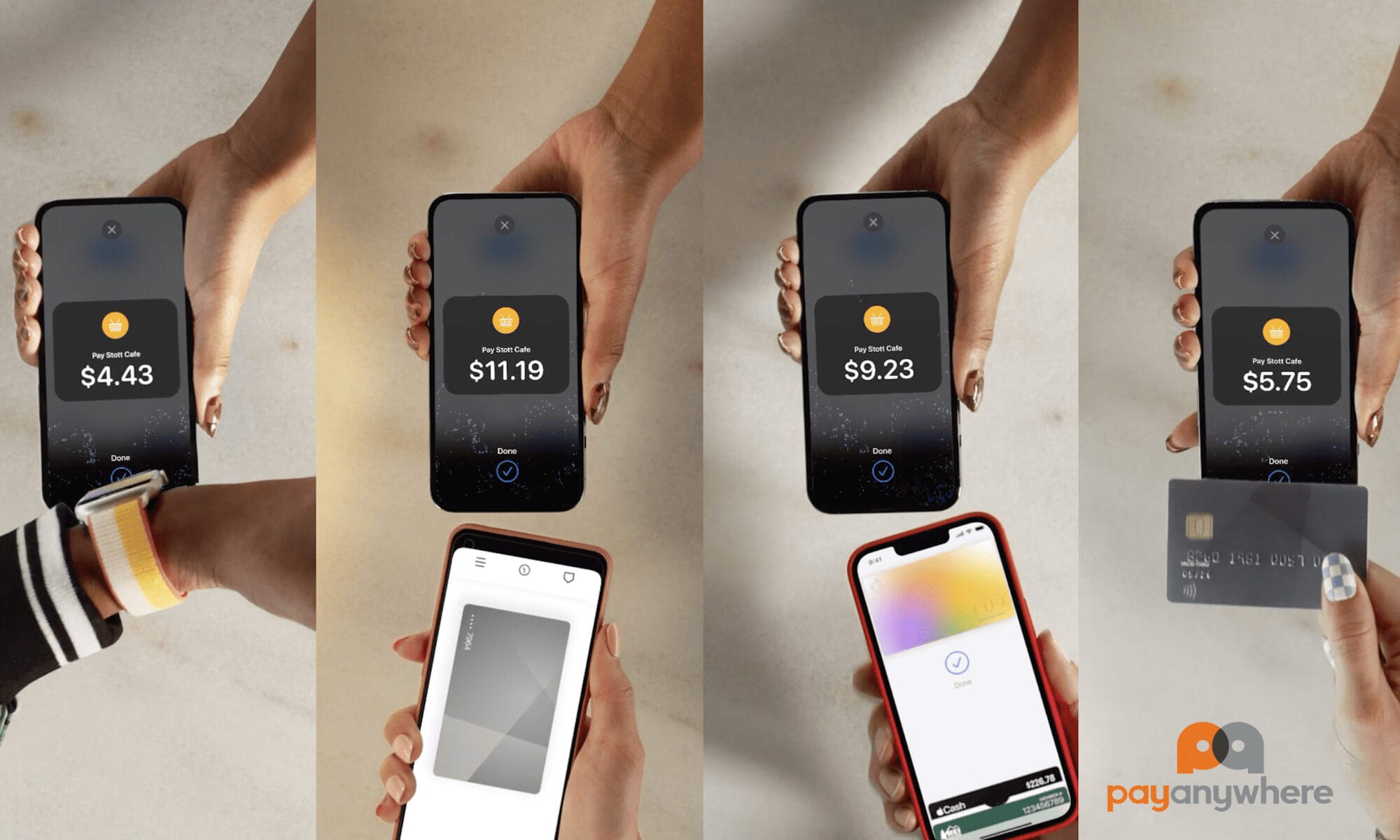
PayAnywhere Tap to Pay on iPhone
PayAnywhere Tap to Pay on iPhone allows businesses to accept contactless payments directly on a compatible iPhone using the PayAnywhere app without needing a separate credit card reader or payment terminal.
Customers can tap a contactless credit card, debit card, Apple Pay, Google Pay, or another digital wallet on the iPhone to complete payment. This makes PayAnywhere Tap to Pay on iPhone a simple mobile payment option for contractors, food trucks, service businesses, pop-up shops, salons, and small businesses that want to accept payments quickly without carrying extra hardware.
No Card Reader
Dual Pricing Rate
No Kidding
Now Using Only An Smartphone You Can Take Payments
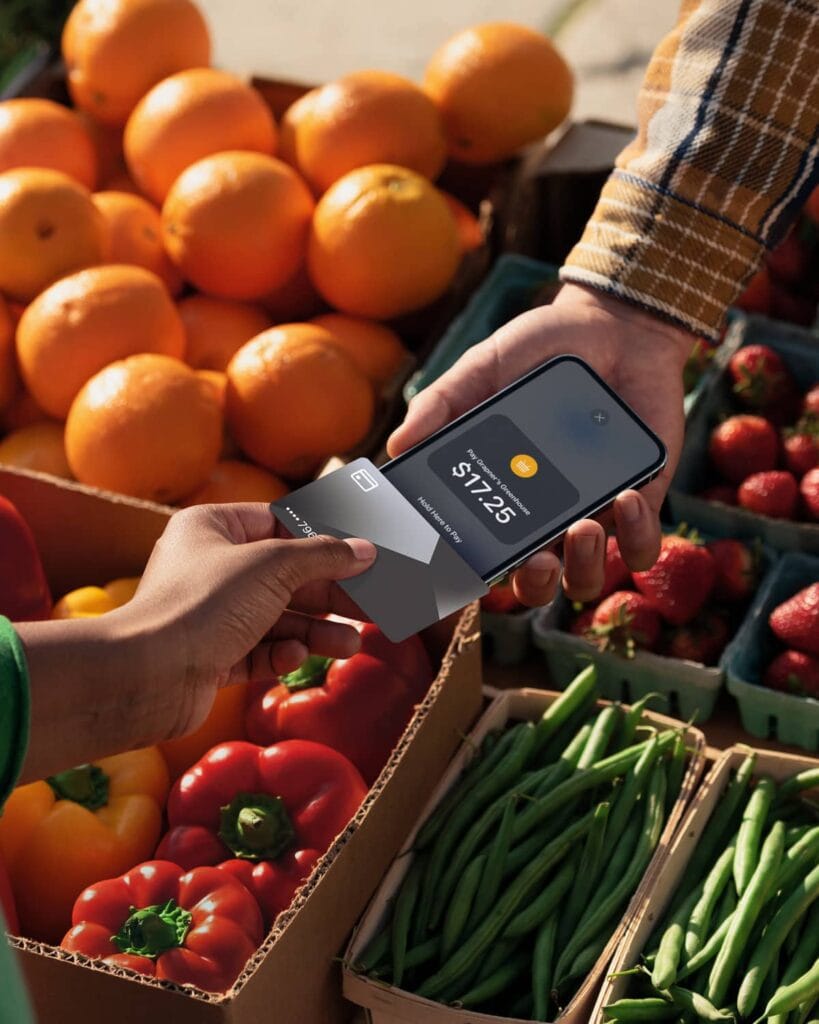
1.5 Million users and growing. Accept payments without a card reader with our PayAnywhere Tap to Pay on iPhone and the PayAnywhere app powered by North.
Accept all types of in-person, contactless payments with just an iPhone.
Credit cards, Apple Pay, Android Pay, Google Pay and other digital wallets – And no reader is required. Manual card entry option is included.
Get Started Is As Simple As, 1, 2 & 3:
1) Click the Link Below to Apply
2) Download the PayAnywhere App
3) Process All Visa, Master, Discover and AMEX Payment Types at a Dual Pricing Rate
Receive iSmart Payments and Corporate support with Next A.M. Funding plus:
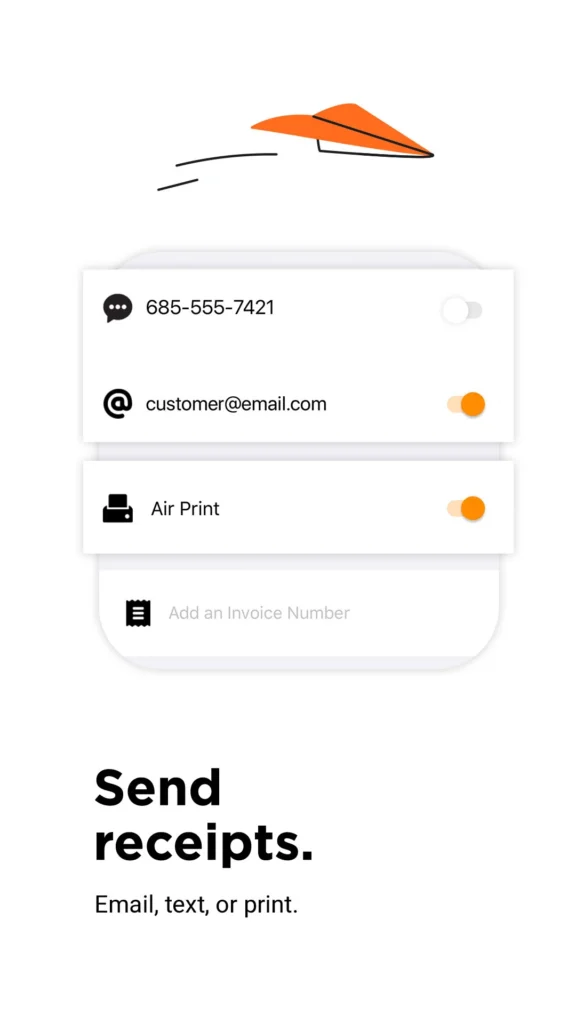
- Text & Email Receipts
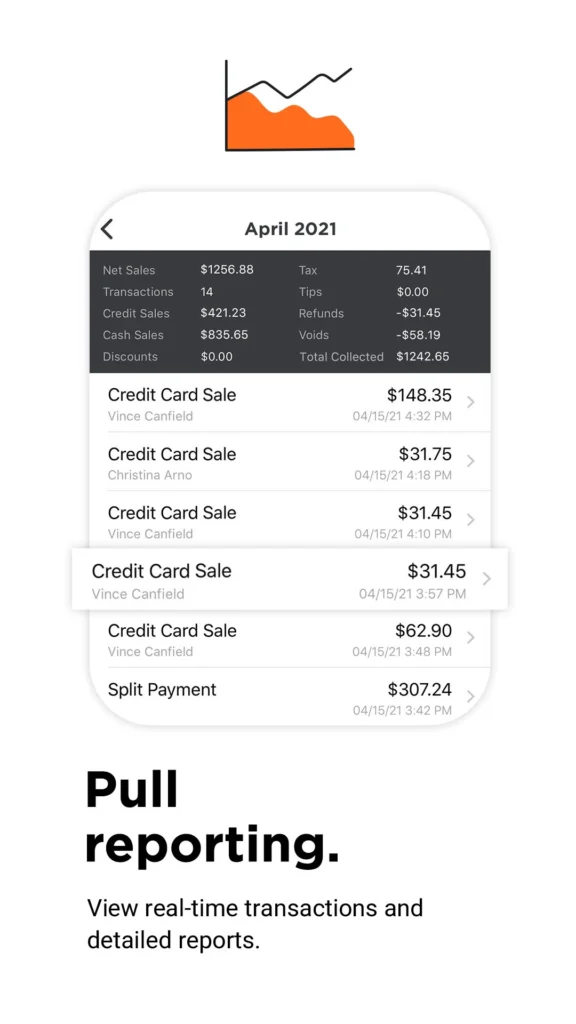
- View Payments Activity
- Employee Management
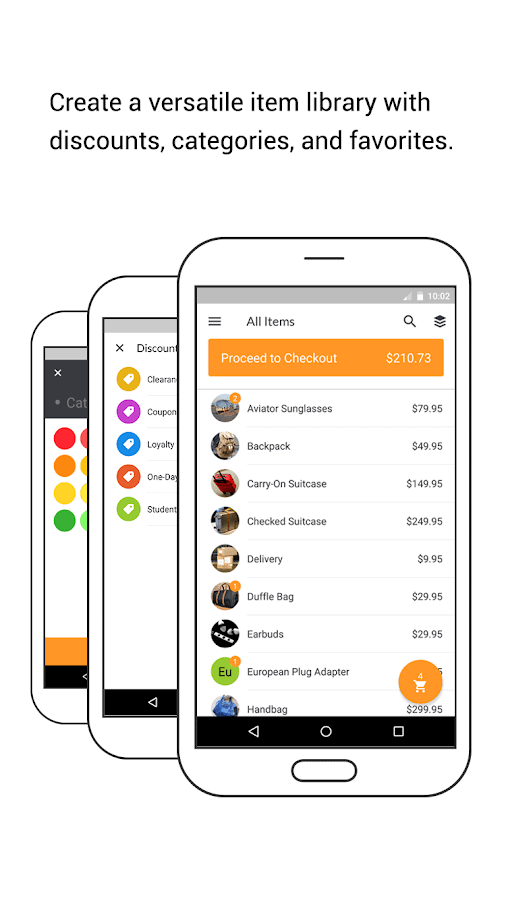
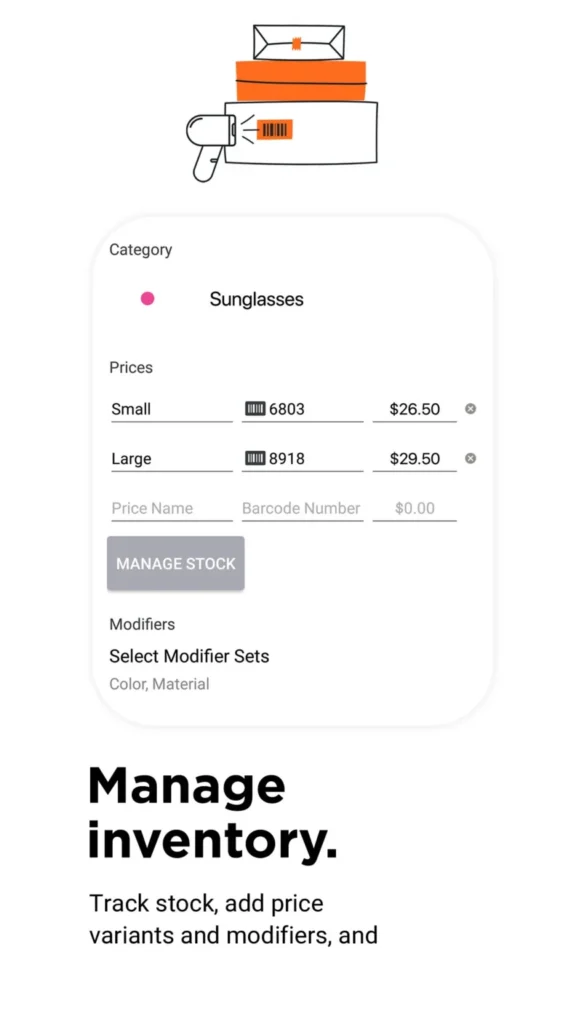
- Manage Stock Inventory
- Reputation Management
- Reporting Virtual Terminal
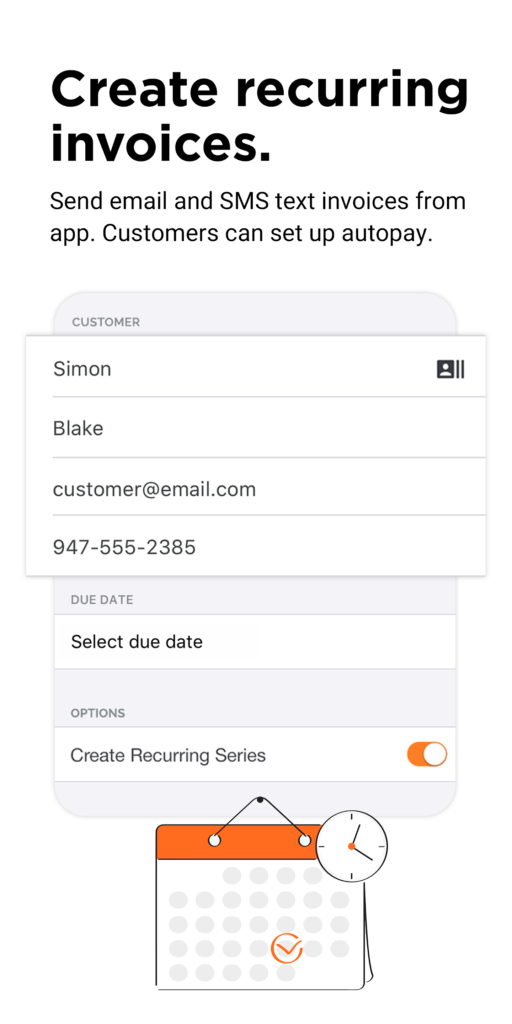
- Invoicing, Recurring Billing & More
How Tap to Pay on Smartphone Works
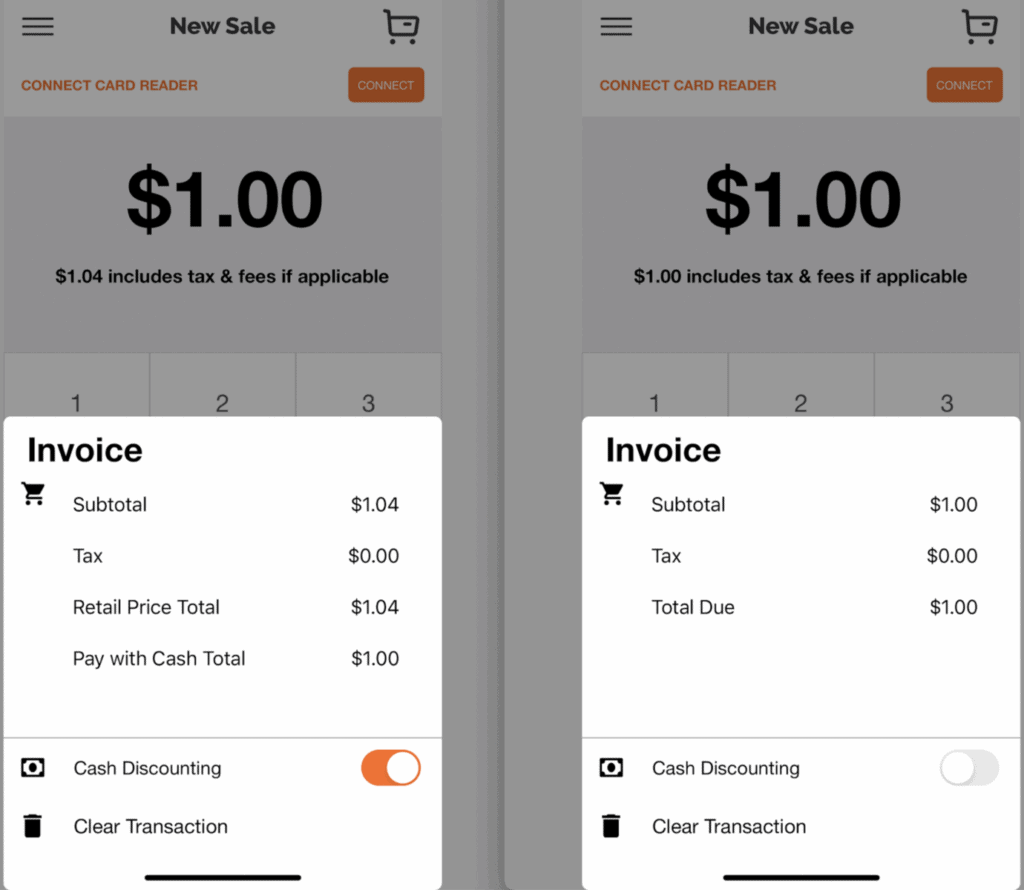
The PayAnywhere App using our Edge Dual Pricing automatically includes the 4% (3% also available) for non-cash transactions to cover processing fees. (e.g. a $100 charge typed in will show total as $104 (or $103).
Next morning the $100 is deposited into your checking account. Clean and simple.
Note: The image below reveals how the 4% was added to a $100 transaction, the “$104.00 includes any applicable tax & fees.
With our Edge Dual Pricing can be turned on and off at anytime saving your business fees per transaction if desired.
PayAnywhere Tap To Pay On Smartphone Contactless Payments
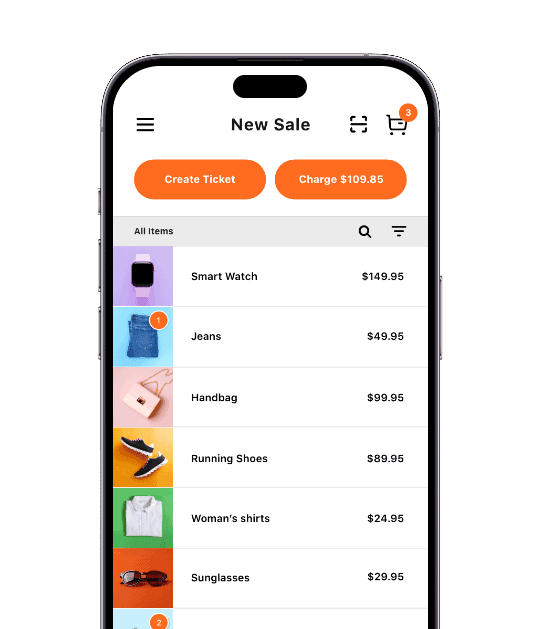
With Tap to Pay on iPhone and the PayAnywhere app, you can accept all types of contactless payments, right on your iPhone.
From debit and credit cards, to Apple Pay and other digital wallets — no extra hardware is needed. It’s easy, secure, and private. A certified solution that you can easily use.
When a payment is processed, Apple does not store card numbers on the device so you can rest assured knowing your business stays yours.
1 – How PayAnywhere Tap to Pay On iPhone Works:
Launch the PayAnywhere app, enter an amount or add items to the sale.
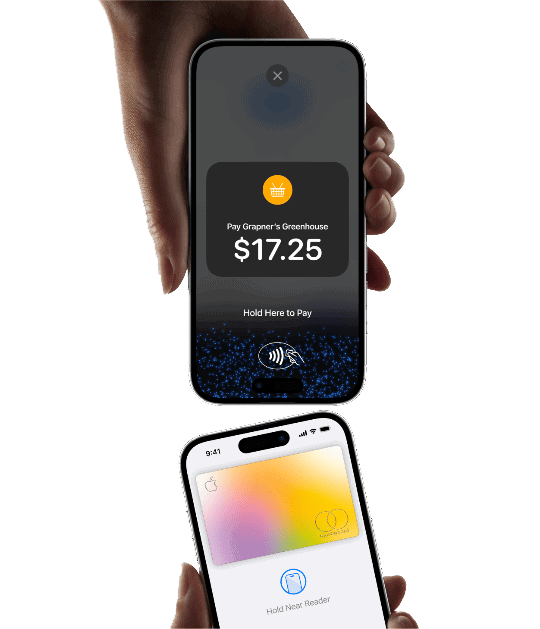
2 – Present iPhone to your customer.
Your customer holds their card horizontally at the top of your iPhone, over the contactless symbol.
For Apple Pay and other digital wallets, your customer will hold their device over the top of your iPhone contactless symbol.
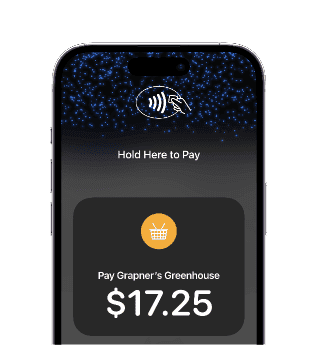
3 – The “done” check mark appears once the transaction is complete.
You can text or email a receipt to the customer and you’ll get paid the next morning.
Savings chart if you were paying a 3.5% on average:
| Mo Card Volume: | Mo Savings | 1 Year Savings | 5 Year Savings | 10 Year Savings |
|---|---|---|---|---|
| $5,000 | $175 | $2,100 | $10,500 | $21,000 |
| $10,000 | $350 | $4,200 | $21,000 | $42,000 |
| $20,000 | $700 | $8,400 | $42,000 | $84,000 |
| $50,000 | $1,750 | $21,000 | $105,000 | $210,000 |
| $100,000 | $3,500 | $42,000 | $210,000 | $420,000 |
| $250,000 | $8,750 | $105,000 | $525,000 | $1,050,000 |
Getting Started Is As Simple As, 1, 2 & 3
1) Contact iSmart Payments (call/text 801-205-1955)
for a PayAnywhere MID

2) Download the PayAnywhere App to
Enable Tap to Pay
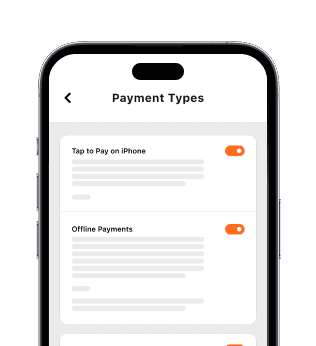
3) Your Are Ready To
Process All Payment Types
PayAnywhere Tap To Pay On iPhone App:
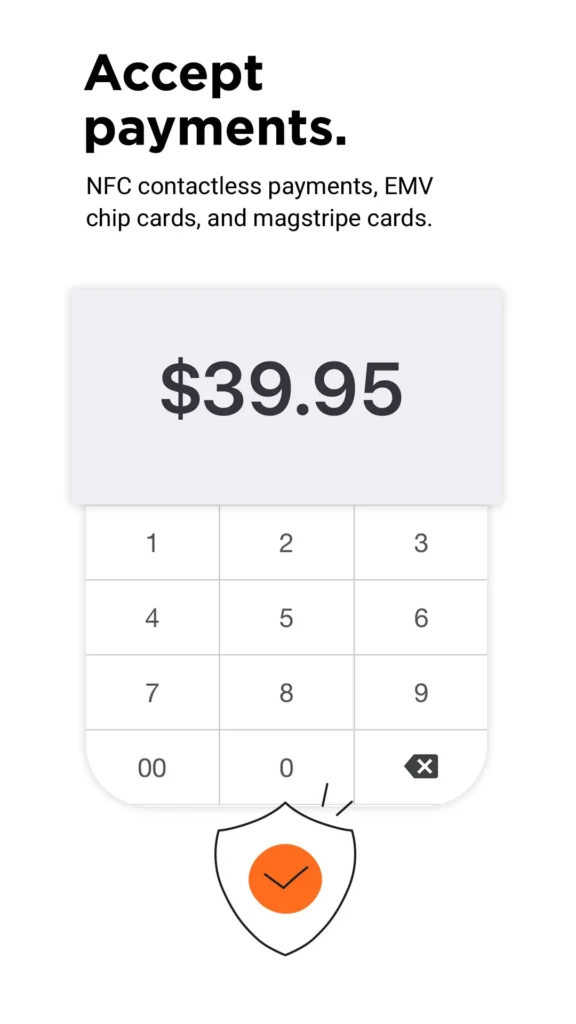
Get PayAnywhere Tap to Pay On Smartphone

What makes PayAnywhere Tap-to-Pay On iPhone offered by iSmart Payments so good? Getting it right away.
Call or text us at 801-205-1955.
Greg Kapitan
The Payments Man
Payment Technology Consultant Since 2009 – iSmart Payments

PayAnywhere Tap to Pay on iPhone With No Card Reader Needed FAQs
What is PayAnywhere Tap to Pay on iPhone?
PayAnywhere Tap to Pay on iPhone allows businesses to accept contactless payments directly on a compatible iPhone without needing a separate credit card reader or payment terminal. Customers can simply tap their contactless card, Apple Pay, Google Pay, or digital wallet on the iPhone to complete payment.
Do I need a separate card reader to use PayAnywhere Tap to Pay on iPhone?
No you do not. One of the biggest advantages of PayAnywhere Tap to Pay on iPhone is that businesses can accept contactless payments directly on the iPhone itself. This is accomplished with using NFC, (near field communication) without carrying an additional card reader or wireless terminal.
What payment types can customers use with Tap to Pay on iPhone?
Customers can pay using contactless credit cards, debit cards, Apple Pay, Google Pay, and other supported digital wallet payments. This allows businesses to offer fast and modern checkout experiences directly from their iPhone.
Is PayAnywhere Tap to Pay on iPhone good for contractors and mobile businesses?
Yes it most certainly is. Many contractors, mobile service businesses, food trucks, pop-up shops, and field service professionals use Tap to Pay on iPhone because it allows them to accept payments on the spot without carrying extra hardware. The portability makes it convenient for businesses constantly on the move.
Can I send receipts using PayAnywhere Tap to Pay on iPhone?
Yes you can via text message or to a customers email address. Businesses can send digital receipts to your customer by email or text message directly through the PayAnywhere app after a payment is completed.
Does PayAnywhere Tap to Pay on iPhone support inventory management?
You absolutely can. The PayAnywhere app includes inventory management tools that help businesses organize products, track inventory, monitor sales, and simplify mobile checkout directly from the iPhone app.
Can I accept payments without WiFi using Tap to Pay on iPhone?
Many businesses use Tap to Pay on iPhone through their cellular data connection while working remotely or traveling between customer locations. PayAnywhere also offers offline transaction functionality in certain situations when connectivity is temporarily interrupted.
Is Tap to Pay on iPhone secure?
Yes it is. Tap to Pay on iPhone uses Apple’s built-in security and contactless payment technology to help protect payment information during transactions. Payment data is encrypted and designed to support secure modern mobile payment processing.
What types of businesses use PayAnywhere Tap to Pay on iPhone?
Many small businesses use Tap to Pay on iPhone including contractors, salons, food trucks, mobile vendors, retail businesses, service professionals, event vendors, and businesses that want a simple mobile payment solution without needing additional equipment.
Can I still use a card reader later if my business grows?
Yes you can. Businesses can start with Tap to Pay on iPhone and later add PayAnywhere mobile card readers, wireless smart terminals, or full POS hardware as their business needs grow. This gives businesses flexibility as payment needs evolve.