

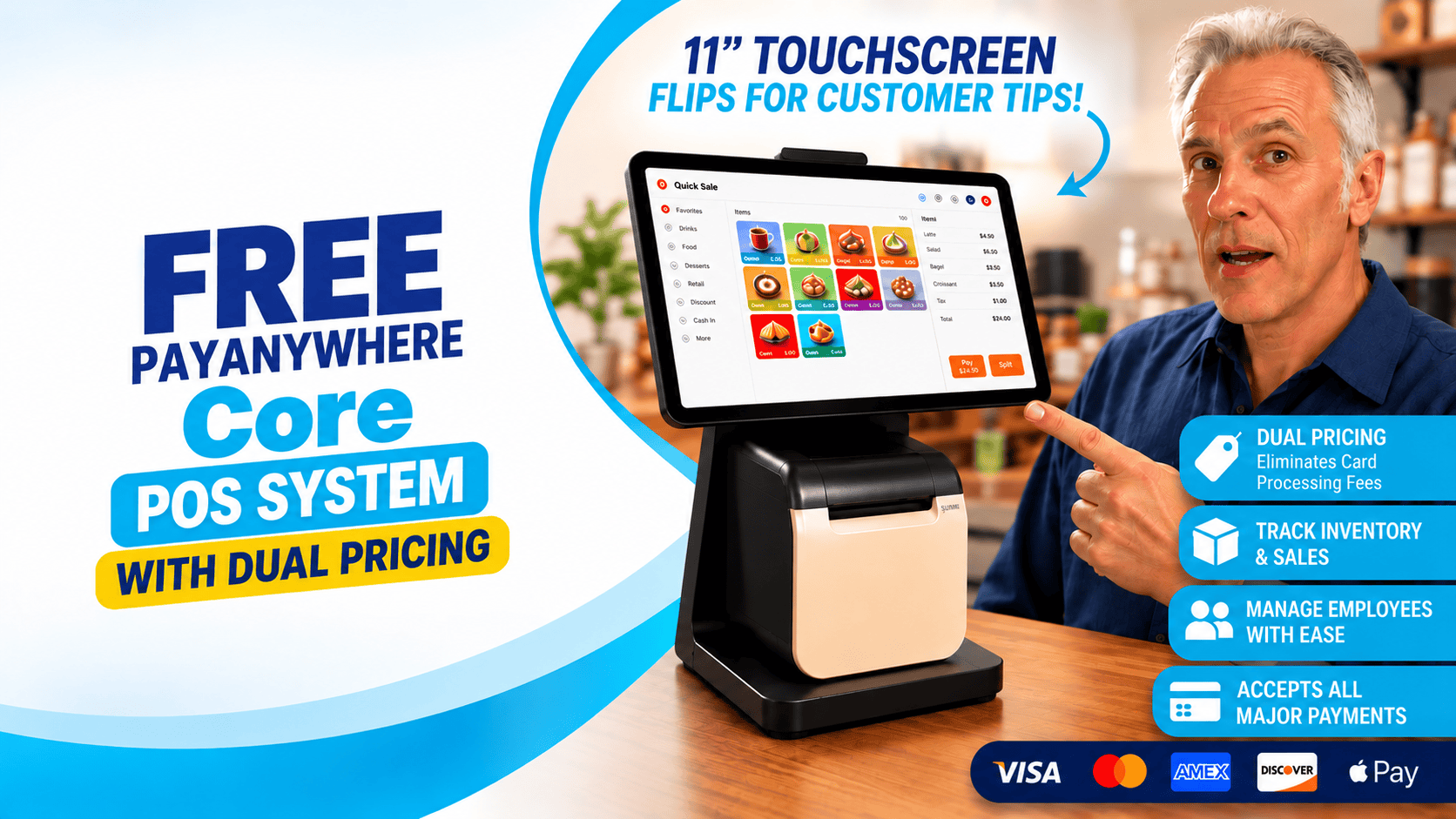
PayAnywhere Core POS System. Complimentary.
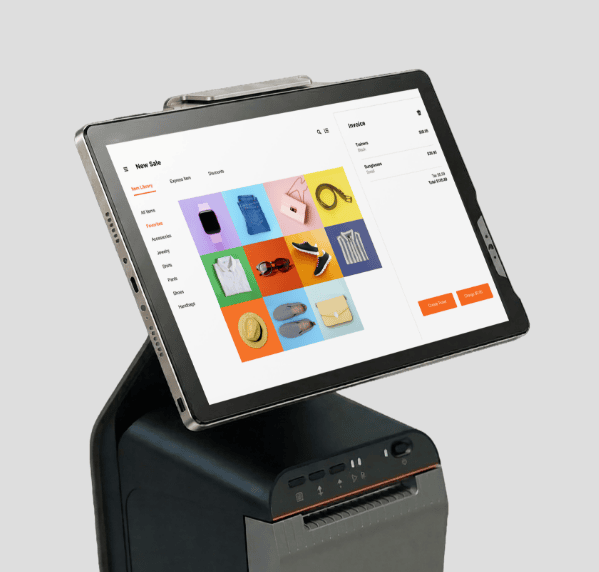
Payanywhere Core gives you the tools to take payments, manage your business—all from one simple system.
An 11-inch touchscreen from the Payanywhere Core Sunmi Cpad puts payments and everyday business tools in one place.
✓ Accept payments.
✓ Manage inventory.
✓ Track employees.
✓ Serve customers.
Without making things complicated.
Everything you need. Right at the counter.
📱Call or text us at 801-205-1955.
PayAnywhere Core Restaurant POS System.

All Restaurant Needs.
Transform your restaurant operations with versatile accessories.
Streamline staff check-ins, table-side and mobile ordering, payments, and kitchen management—all in one solution to boost efficiency.
✓ Mobile ordering.
✓ Countertop ordering.
✓ Table assignment.
✓ Table-side self-ordering.
✓ Kitchen display system.
PayAnywhere Core Retail POS System.
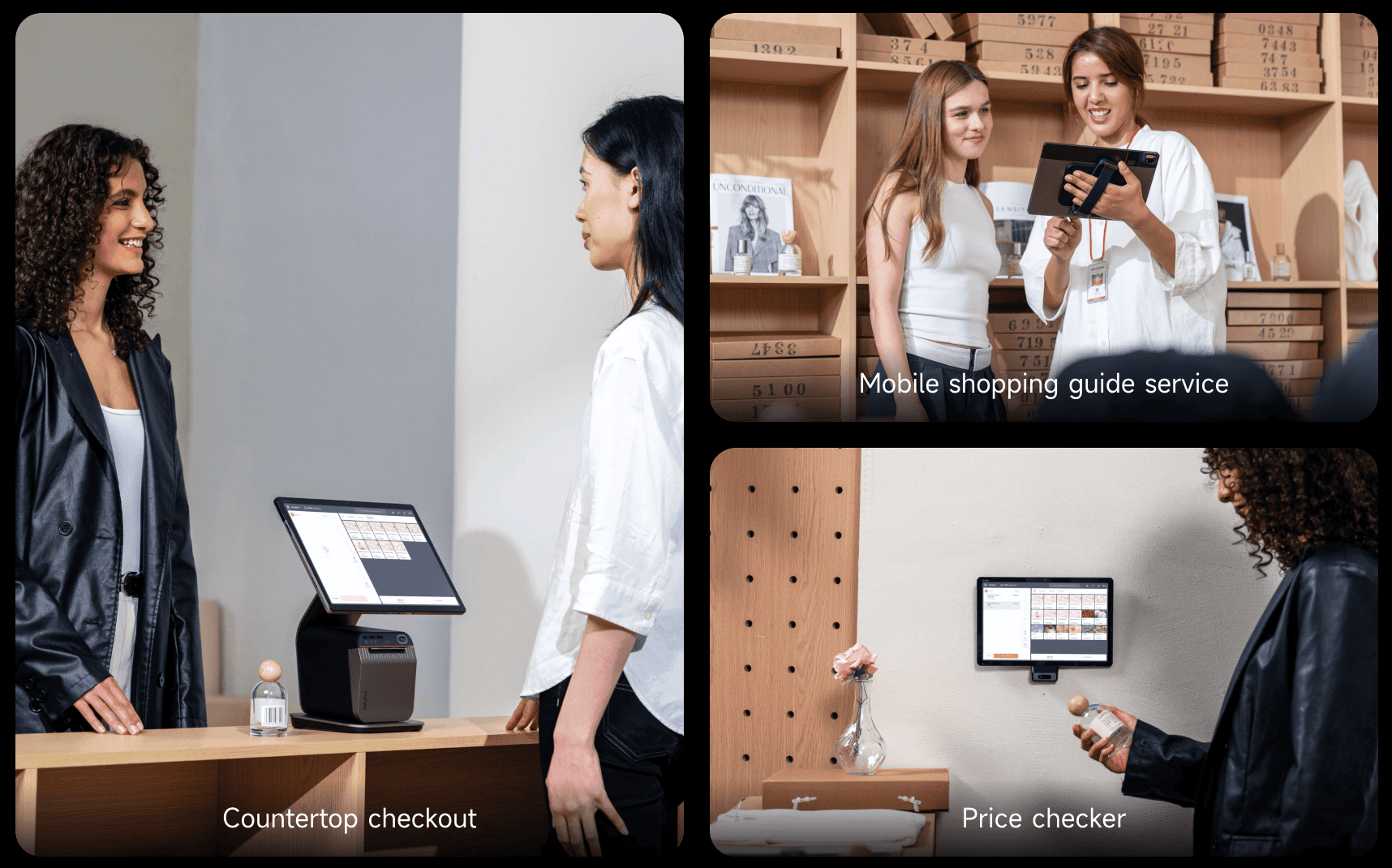
All Retail Needs.
Paire it with an external scanner, CPad allows customers to quickly check prices, while desktop accessories simplify membership redemptions and checkout, enhancing the overall shopping experience and efficiency.
✓ Countertop checkout.
✓ Mobile shopping guide service.
✓ Price checker.
✓ Barcode scanning.
More than a POS.
A better way to run your business.
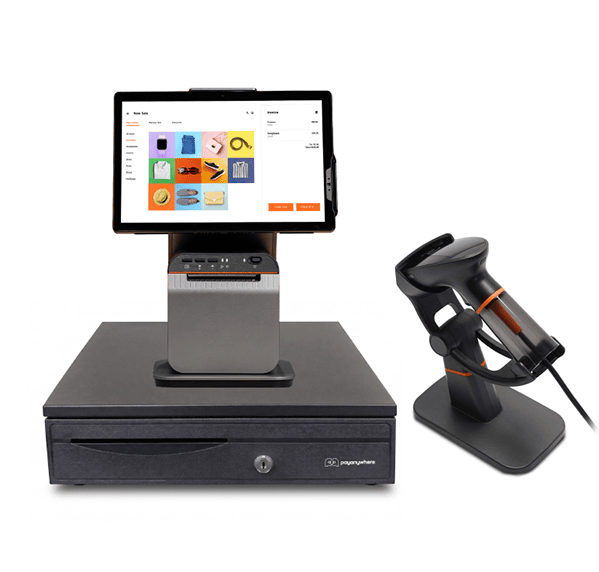
One smart point of sale that will do it all:
✓ Inventory Management
✓ Employee Management
✓ Customer Profiles
✓ Sales Reporting
✓ Tips & Signatures
✓ Digital & Printed Receipts
✓ Discounts & Modifiers
✓ Offline Transactions
Your Card Processing Pays You Back.

Process. Earn. Get Paid Twice.
With Monthly Cash Rewards, eligible businesses can earn cash rewards from the card sales they’re already processing.
✓ Process Card Sales — Just like you do today
✓ Earn Monthly Cash Rewards — Based on eligible processing volume
✓ Automatic ACH Deposit — Rewards deposited every month
What Could Your Business Earn?
Estimate your Monthly Cash Rewards.
Ready to start earning Monthly Cash Rewards?
Start Earning Cash RewardsEstimates are provided for illustration purposes only. Actual cash rewards may vary based on business type, processing volume, eligibility requirements, and Monthly Cash Rewards program guidelines.
Your Business Doesn't Stop When You leave The Counter.
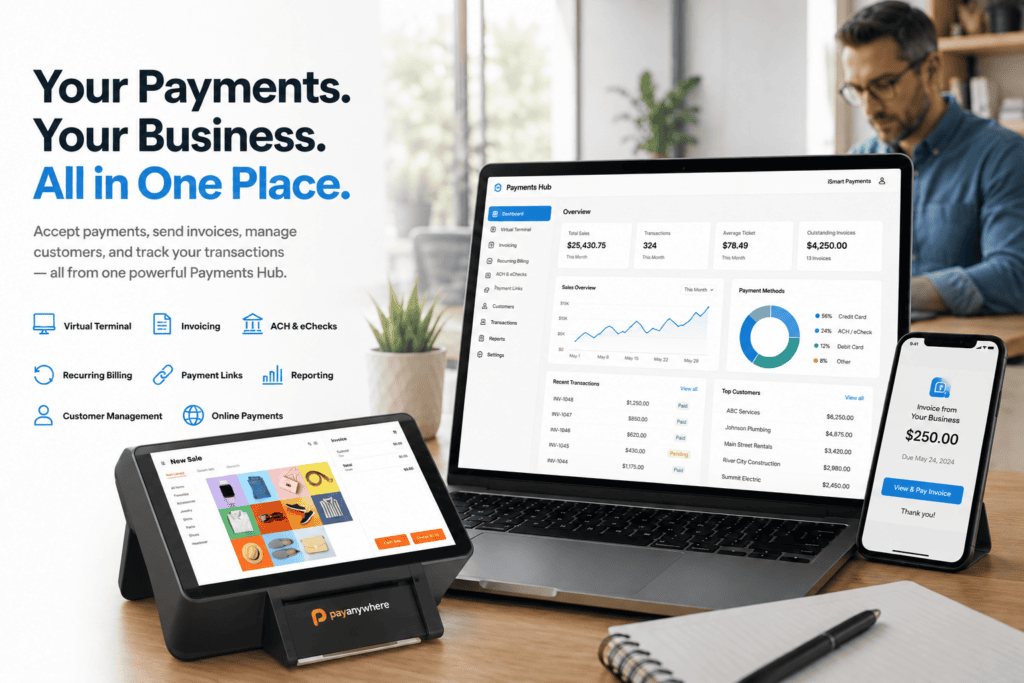
Neither should your POS.
Payments Hub gives you access to transactions, deposits, reports and business activity from your computer.
Your business. Still within reach.
Built For The Way Customers Pay Today.
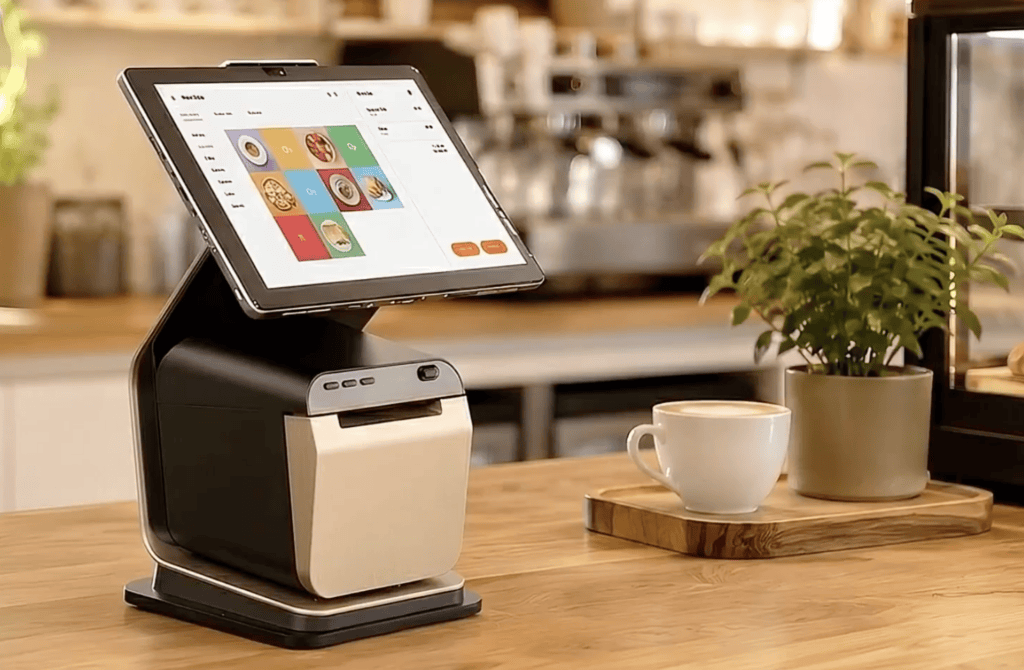
All Payment Types
Accept:
✓ EMV chip cards
✓ Contactless NFC payments
✓ Mobile wallets
✓ Apple Pay
✓ Google Pay
Fast at checkout. Familiar to customers. Simple for employees.
PayAnywhere Core. A Powerfull POS At No Cost.
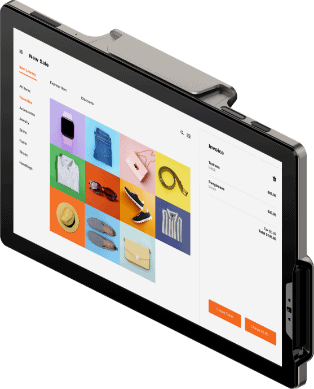
Countertop POS System
Qualifying iSmart Payments merchants can receive the Payanywhere Core POS System as part of their payment processing solution.
No need to spend hundreds of dollars upfront just to get the tools your business needs.
Get PayAnywhere Core POS At No Cost
Receive PayAnywhere Core POS with credit card processing in 15 minutes from iSmart Payments.
Call or text us at 801-205-1955.
Greg Kapitan
The Payments Man
Payment Technology Consultant Since 2009 – iSmart Payments

PayAnywhere Core FAQs
1. What is the Payanywhere Core POS System?
Payanywhere Core is an all-in-one countertop POS system built around an 11-inch touchscreen and preloaded with the Payanywhere app. It combines payment acceptance, a built-in receipt printer, barcode scanning and business management tools in one streamlined system designed for retail, restaurants, service businesses and more.
2. Is the Payanywhere Core POS System really complimentary from iSmart Payments?
Yes. Qualifying iSmart Payments merchants can receive the Payanywhere Core POS System with their payment processing service. Eligibility is based on factors such as business type, processing volume and account approval. This gives qualifying merchants a powerful countertop POS solution without having to purchase the Core hardware upfront.
3. How large is the Payanywhere Core touchscreen?
Payanywhere Core features an 11-inch HD touchscreen running Android software. The large display gives employees plenty of room to build orders and manage transactions. The screen can also tilt toward customers, making it easy for them to enter a tip or provide a signature during checkout.
4. What types of payments does Payanywhere Core accept?
Core accepts EMV chip cards, contactless NFC payments, magstripe cards, PIN debit and supported EBT/SNAP payments. Contactless acceptance includes popular digital wallets such as Apple Pay and Google Pay, giving customers multiple ways to pay from one countertop POS system.
5. Does Payanywhere Core have a built-in receipt printer?
Yes. Core includes an integrated receipt printer, so businesses can print customer receipts without adding a separate countertop printer. Payanywhere also supports digital receipts by email or text message, giving merchants and customers additional flexibility at checkout.
6. Can Payanywhere Core scan barcodes?
Yes. Payanywhere lists a built-in camera for easy barcode scanning, allowing merchants to scan items as part of the checkout process. Businesses with more demanding retail environments can also add a supported external barcode scanner. The underlying SUNMI CPad platform is designed to support expanded scanning capabilities and accessories.
7. Can Payanywhere Core manage inventory and employees?
Yes. Through the Payanywhere platform, merchants can do much more than process transactions. Businesses can create an item library, monitor inventory, manage employees and access reporting tools to better understand sales activity. This turns Core into a business management system rather than simply another credit card terminal.
8. Can customers add tips and signatures directly on the screen?
Yes. One of Core's standout features is its tilting 11-inch touchscreen. Employees can turn the display toward the customer so they can review the transaction, select a tip and provide a signature directly on the screen, creating a simple customer-facing checkout experience.
9. What accessories can be added to Payanywhere Core?
Core supports additional accessories including a cash drawer, external barcode scanner and kitchen printer. The SUNMI CPad hardware platform also uses a modular design built to accommodate different business environments, helping the system adapt to retail, restaurant and service applications.
10. What types of businesses can use Payanywhere Core?
Core can be a good fit for retail stores, boutiques, restaurants, cafés, salons, service businesses and other businesses that need a countertop checkout solution. SUNMI designed the CPad platform for multiple commercial environments, while Payanywhere adds the payment acceptance and POS software needed to run everyday transactions.
11. Does Payanywhere Core work if the internet goes down?
Payanywhere supports offline transactions when Wi-Fi connectivity is temporarily unavailable. This can help a business continue taking eligible payments during an internet interruption. Offline transactions involve additional risk and must be submitted once connectivity returns, so merchants should follow Payanywhere's guidelines when using offline mode.
12. Is Payanywhere Core just a credit card terminal?
No. That is one of the biggest differences. Core combines an 11-inch touchscreen, integrated printer, payment readers, barcode capabilities and the Payanywhere POS app into one countertop system. Merchants can accept payments while also managing products, sales, employees, customers and other everyday business operations.